MultiStop
Named clocks, laps and results
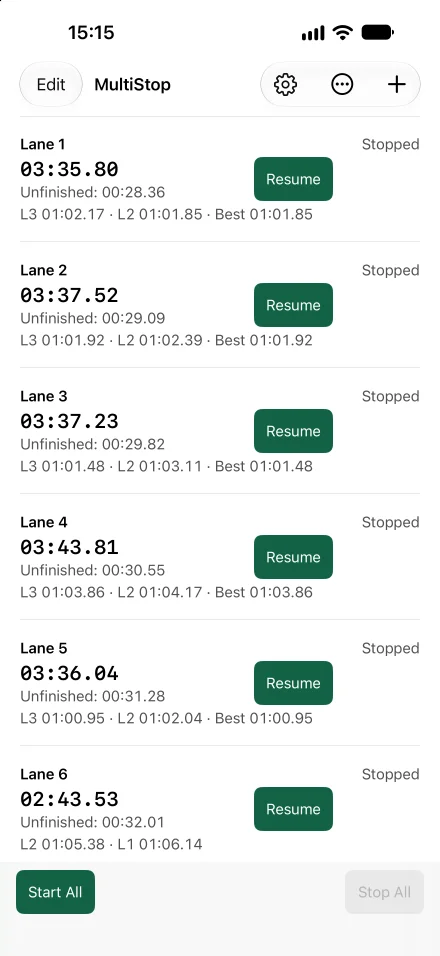
Time independently named participants or activities with multiple stopwatches. Use MultiStop for sports sessions, experiments and other activities that need several clocks at once.
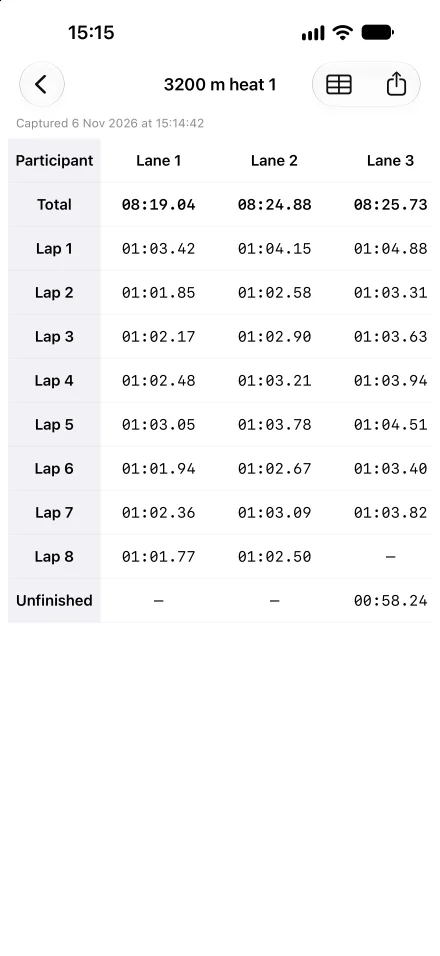
Start clocks individually or together, pause and resume, and record laps with a hundredth-second display. See recent laps beside each clock and compare participants in a results table.
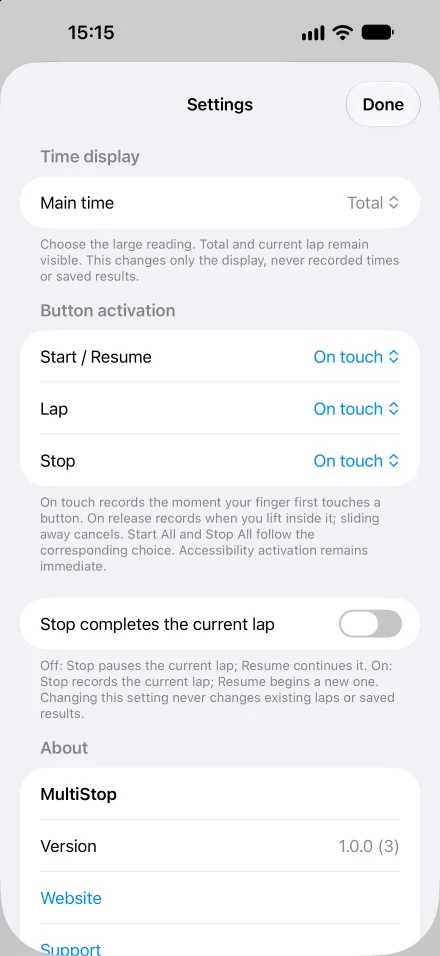
Choose whether Start, Lap and Stop activate on touch or on release. Decide whether Stop pauses the current lap or completes it.
Save timestamped result snapshots. Share readable text or CSV, or save CSV and JSON files. Saved results remain unchanged while live clocks continue.
Data stays on device. Running clocks recover using device time after relaunch and display a warning because clock changes can affect recovered durations. This app is not a certified timing instrument.
MultiStop on iPhone
For iPhone and iPad with iOS or iPadOS 27 or later.