Pagecase
Reference photos, kept on your iPhone.
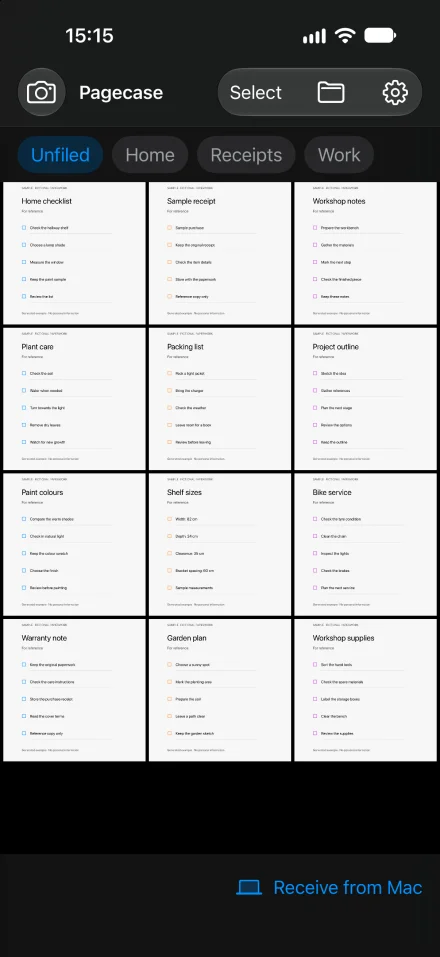
Capture paperwork and useful reference photos into an encrypted collection on your iPhone. Keep them for reference, then transfer the photos you need to your Mac when you are ready.
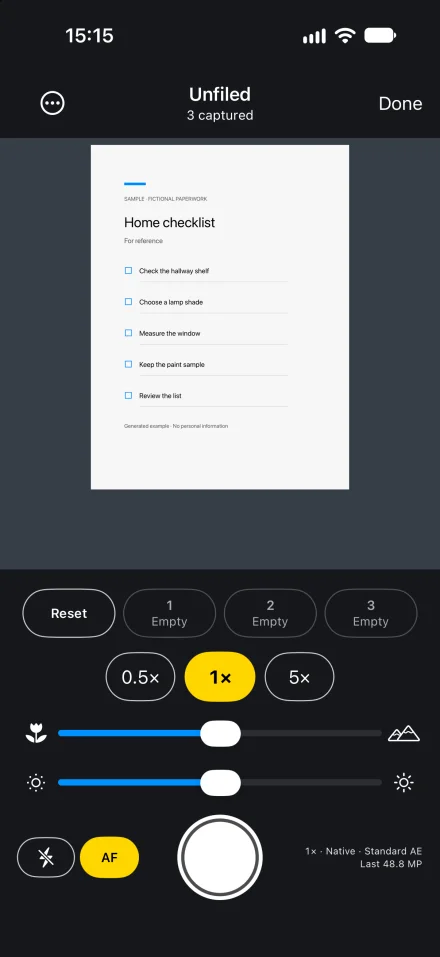
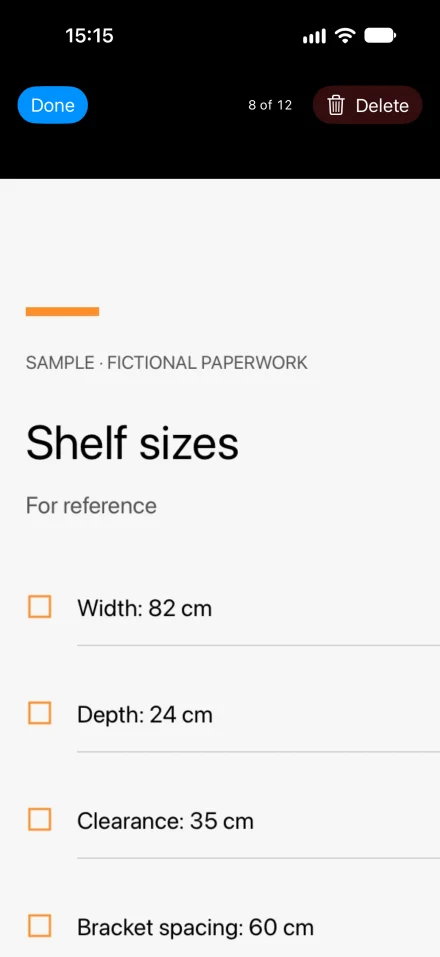
Capture without opening your collection. Authenticate when you want to browse, zoom into a photo, organise photos into folders or delete images you no longer need.
Choose whether to preserve capture dates for new photos and valid original dates in new imports. The setting is off by default and does not add dates to photos already in your collection.
Make manual photo copies with Send to Mac, or use Receive from Mac to import photos into the chosen folder. Computer transfers are designed for Safari on a Mac. Open each transfer session explicitly and use a private Safari window on a Mac on the same trusted local Wi-Fi. Transfers use plain HTTP: the connection is not encrypted. Switching apps or locking your iPhone ends the session. Check that downloaded photos open before deleting them from Pagecase; transfers do not delete photos automatically.
There is no automatic backup or full collection recovery. Keep original paperwork and manual photo copies outside the app. You can re-import retained photo copies; imports may be re-encoded, and folders, ordering and presets must be recreated. The encrypted collection does not move to a new iPhone. Deletion is permanent; deleting the app removes its collection, and turning off the device passcode makes its photos permanently unreadable.
No Photos or cloud integration.
For iPhone with iOS 27 or later.
Pagecase on iPhone