Web Scale
Desktop layouts in Safari
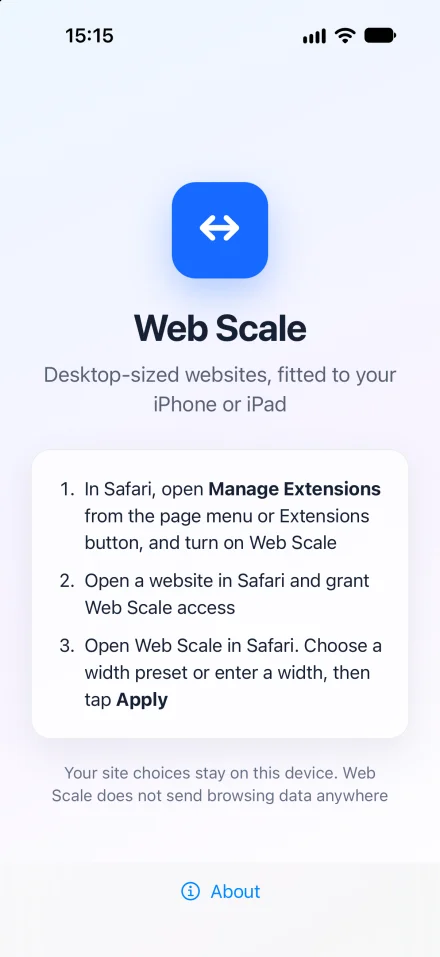
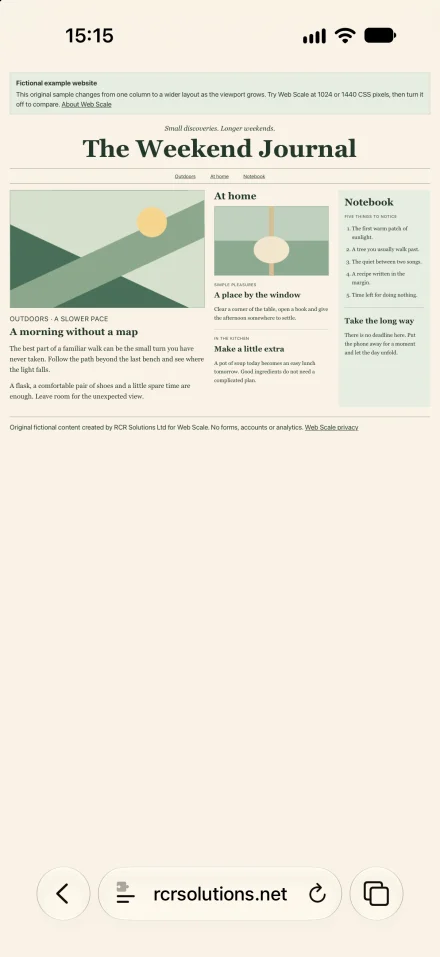
Web Scale is a Safari extension for viewing websites through a desktop-sized layout on iPhone and iPad.
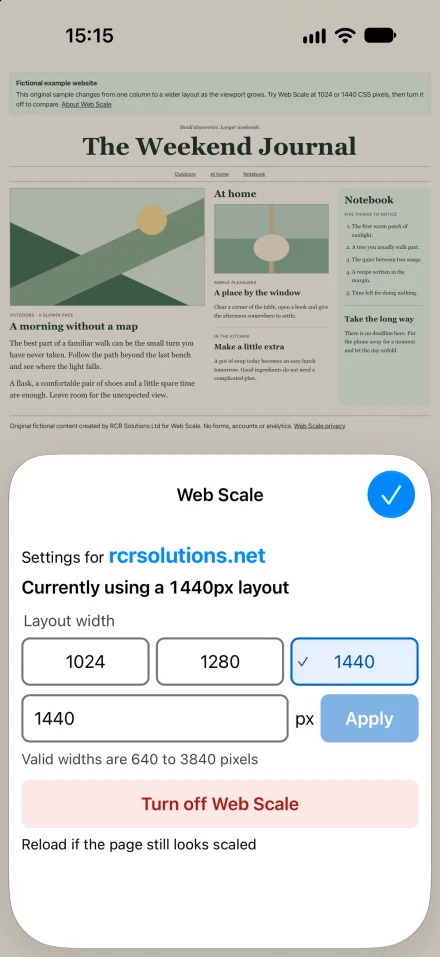
Tap 1024, 1280 or 1440 to fill in a common width, or enter any whole number from 640 to 3840 CSS pixels, then tap Apply. Web Scale remembers the setting for each website where you enable it, reapplies it during navigation and refits the page after rotation.
Editing the width does not save it. Closing the popup discards the edit while keeping the last saved width.
Safari controls which websites the extension can access. Granting website access does not enable scaling by itself. Turning off Web Scale for a website removes that website’s saved setting. If the page still looks scaled, reload it.
A very wide layout may not fit fully on a small screen because Safari limits how far a page can zoom out. Results depend on the website. Some sites may also need Safari’s separate Request Desktop Website option.
Web Scale on iPhone
For iPhone and iPad with iOS or iPadOS 27 or later.