01
Individual schedules
Give each exercise its own schedule and number of sets.
Recur for iPhone and iPad
Recur helps you choose what to exercise next without planning a complete workout.

01
Give each exercise its own schedule and number of sets.
02
Focus brings together overdue, due-today and new exercises, with partly completed exercises near the top so you can finish what you started. Choose how many it shows, with seven as the default.
03
Swipe an exercise to complete one set. Use Undo to reverse a completion made today.
Inside Recur
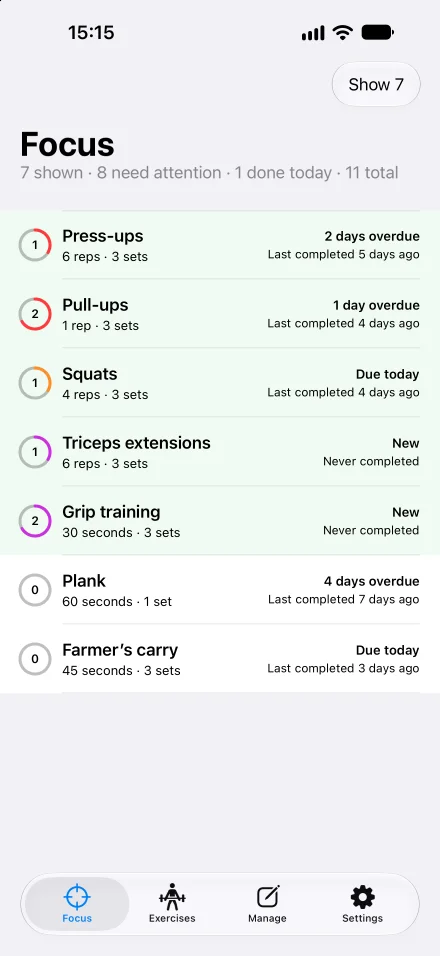
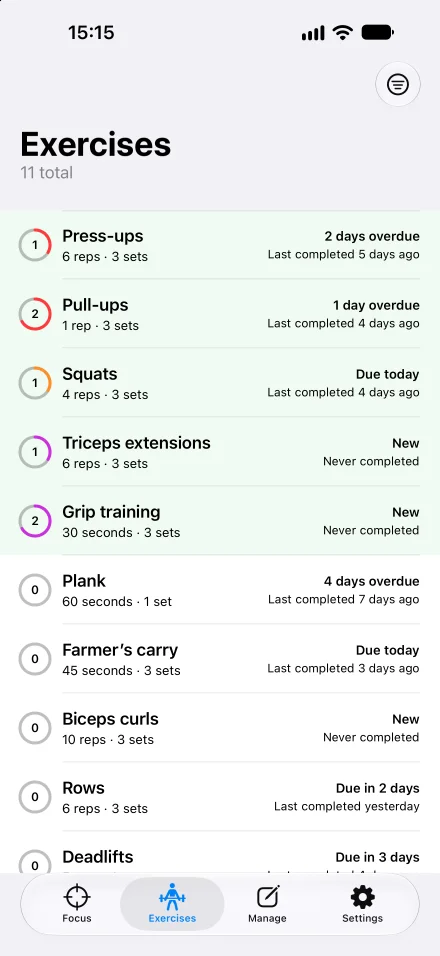
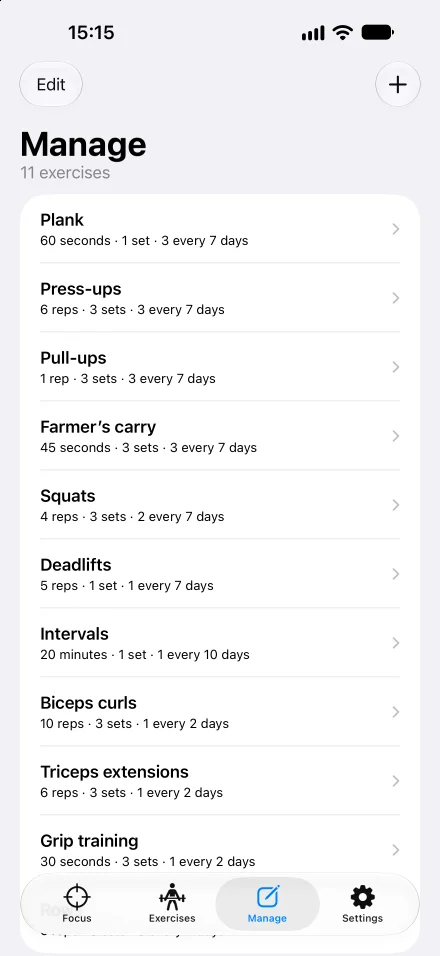
Schedules are based on when you complete an exercise. Missed days do not create a catch-up backlog. Choose Focus or Exercises as your main screen in Settings.
On your device
Your exercise state is stored on your device. Recur has no manual import or export. It relies on the device’s normal app backup.
For iPhone and iPad with iOS or iPadOS 27 or later.